How to listen to an online radio show on your phone, a smart speaker or in the car
No frequencies to find and nothing to sign up for. Here is how to hear the show on a computer, a phone, an Alexa or Google speaker, and through the car speakers.
2 min read
Radio used to be simple. You turned the dial until the music came in clear, and that was that. Internet radio sounds more complicated, but it isn't, once you've done it the first time. This is the guide we wish everyone had.
On a computer
Open your web browser (Chrome, Safari, Edge or Firefox), type tonyangelsclassreunionoldies.com into the bar at the top, and press Enter. Press the red Listen live button, then the play button. That's it. Keep the page open while you listen: closing it stops the music.
On a phone or tablet
It works the same way. Open Safari on an iPhone or iPad, or Chrome on an Android phone, go to the website and tap play. The music keeps going when the screen goes dark, so you can put the phone in your pocket.
To find it again quickly, put it on your home screen. On an iPhone, tap the Share button (the square with an arrow), then Add to Home Screen. On Android, tap the three dots at the top right, then Add to Home screen. Now it sits beside your other apps, one tap away.
On an Alexa or Google speaker
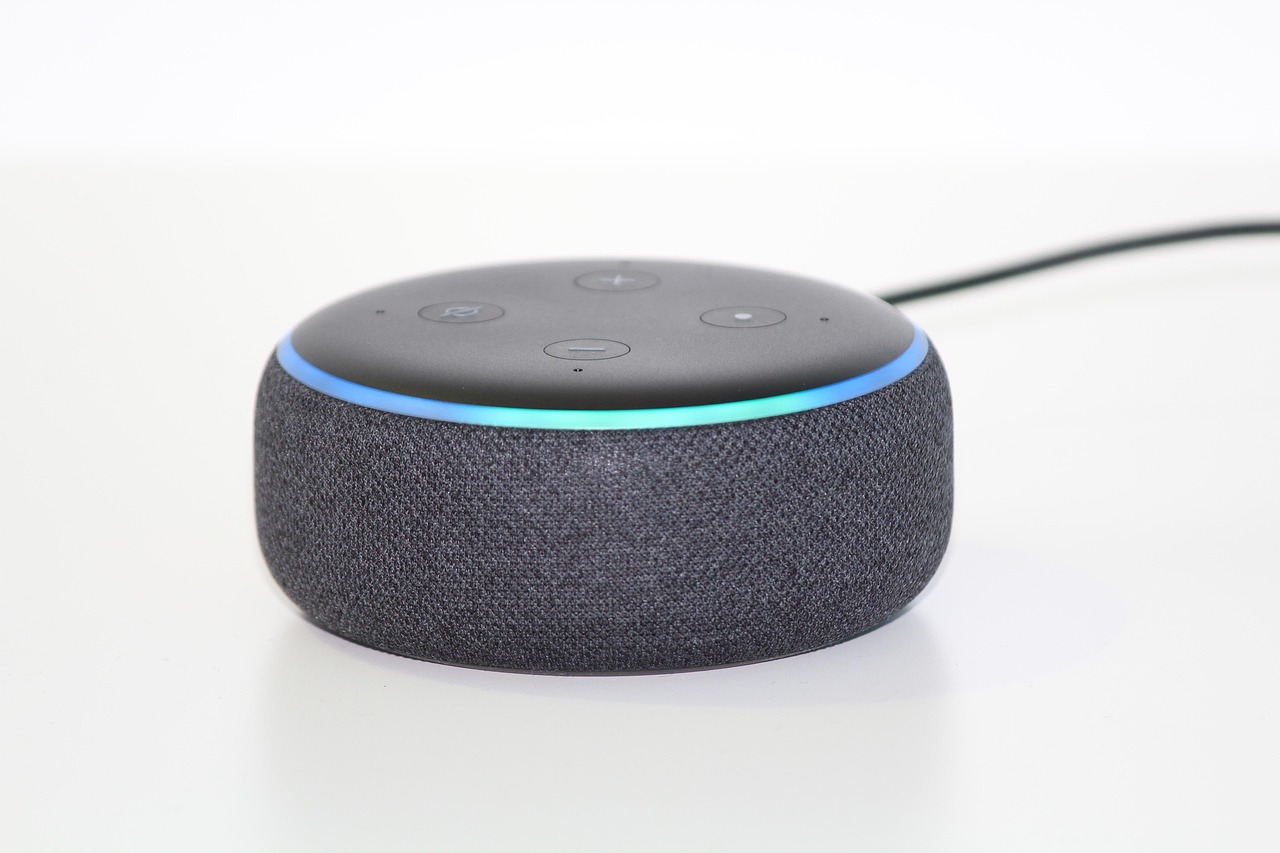
The easiest way is to play the show on your phone and send the sound to the speaker by Bluetooth. You only pair them once.
- Amazon Echo: say "Alexa, pair Bluetooth". Then open Settings on your phone, tap Bluetooth, and choose the Echo when it appears.
- Google Nest or Google Home: open the Google Home app, choose your speaker, then Settings, Audio, and Paired Bluetooth devices, and turn on pairing. Then pick the speaker in your phone's Bluetooth settings.
Start the show on your phone and it plays through the speaker. Next time, "Alexa, connect to my phone" does the job.
In the car
Your car plays the show from your phone, the same way it plays a phone call. If the car has Bluetooth, pair the phone once (the handbook shows how) and start the show before you set off. With Apple CarPlay or Android Auto, connect the phone and press play on it. An older car with an AUX socket needs only a lead from the phone's headphone socket, or a small Bluetooth adapter.
Whatever you drive, set it up while you're parked.
If it won't play
Give it a few seconds to start, then reload the page. Check the volume and that the phone isn't on silent. If the sound keeps stopping, the internet connection is usually the reason: move closer to the Wi-Fi router, or switch between Wi-Fi and mobile data. Our stream help covers the rest.